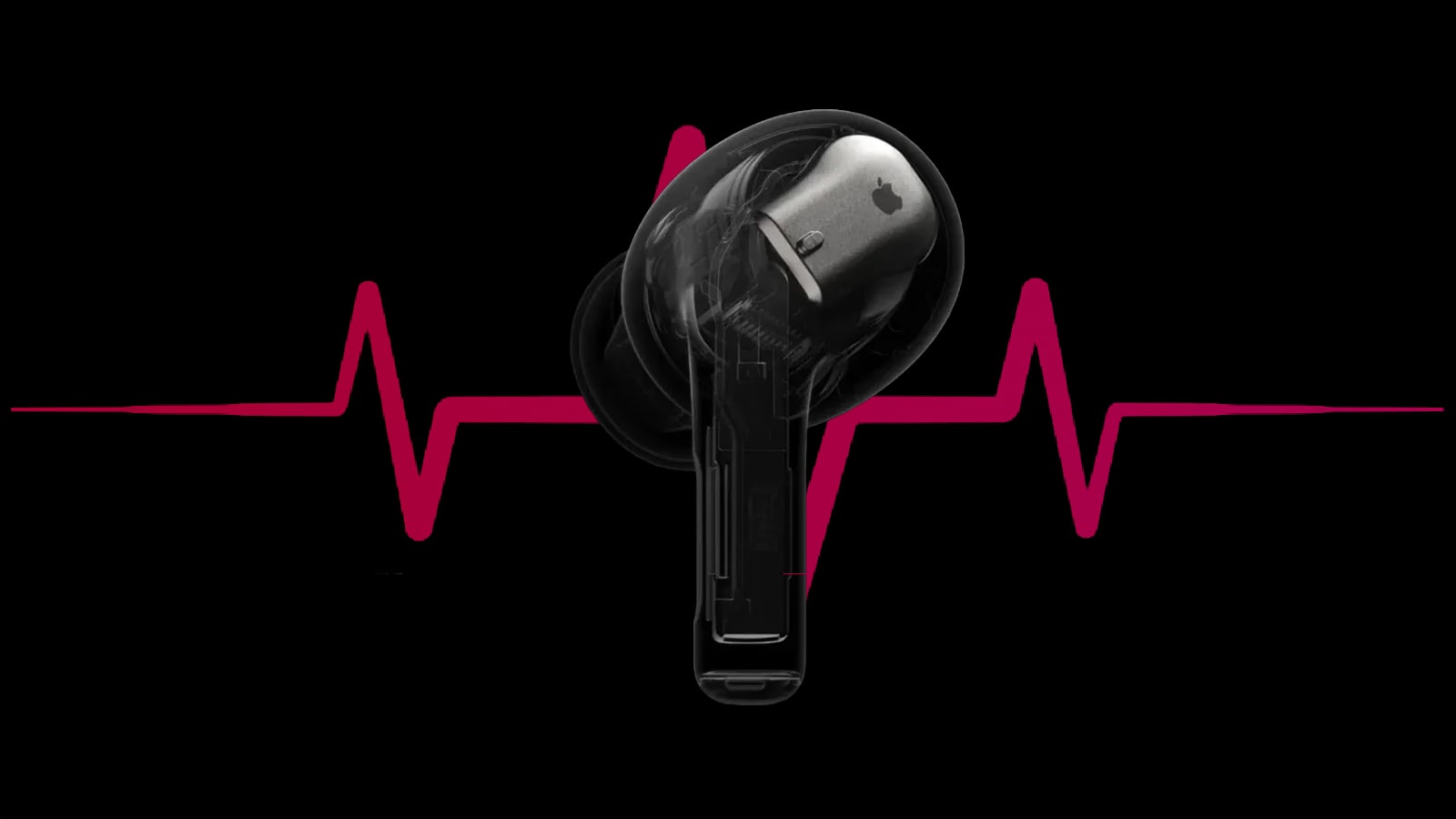
Apple has released a new firmware update for AirPods coinciding this month with the arrival of iOS 27. The revision brings a feature that many users have been asking for for a long time: a custom equalizer that allows you to adjust the sound profile of the headphones directly from the iPhone Settings, without depending on the usual predefined profiles.
The update arrived almost at the same time as iOS 27 and was somewhat overshadowed by the barrage of new features of the new system. And despite this, it comes with a three-band equalizer with which you can raise or lower bass, midrange and treble until you find the sound that best suits you. The firmware build number is 9A350 for AirPods 5 and 9A348 for the rest of compatible models. As with any update of this type, installation is automatic: all you need is that your AirPods are charging and within Bluetooth range of a WiFi-connected iPhone, iPad, or Mac. If you want to check which version you currently have installed, you can do so from the Settings app on your iPhone, in the section corresponding to your headphones.
Which AirPods models can use custom equalizer
The custom equalizer reaches the AirPods Pro 3the AirPods 5 (including the version with wireless charging case) and the AirPods Pro 2both in its variant with Lightning connector and in the most recent one with USB-C. It is also available on the AirPods Max 2. Apple also specifies that the function generally applies to all headphones with an H2 chip, which adds the AirPods 4 to the list.
The H2 chip is the same component that Apple has used since the AirPods Pro 2 to manage active noise cancellation and other advanced audio functions in the ecosystem. By relying on this chip, the equalizer does not reach previous generation models that do not incorporate it, which will continue to be limited to the usual fixed sound profiles. Until now, that was the only option available for those who wanted to adapt the sound of their AirPods to their personal taste, beyond the profiles that Apple calibrates at the factory for each model.
How to activate the equalizer from iPhone Settings
The option is in the app Settingswithin the menu of your AirPods, in the Audio and routing section. From there you can independently move the bass, mids and treble until you find the profile that best suits you, and the change is instantly applied to any music, series, movie or call you are playing.
To check the result without leaving Settings, you can play a song from Apple Music as you move the controls and hear in real time how the sound changes before locking it in. Apple explains that its headphones are designed and manufactured to faithfully represent music, series, movies and calls, although it recognizes that if you prefer a different profile, you can now customize how the AirPods play any type of audio. It is not the most sophisticated equalizer on the market (barely three bands, compared to the more granular graphic settings of other brands), but it is a function that has been requested for years, although it is foreseeable that a good part of users will continue to settle for the factory setting. If in the next few hours you don't see the option in your Settings, don't worry: just leave the headphones charging a little closer to your iPhone for the firmware to finish installing.
The equalizer is not the only new feature that has come to the AirPods with iOS 27, although at the moment it is the function that has generated the most interest among users who have been asking for it for a long time.
AirPods Custom Equalizer FAQ It is available on AirPods Pro 3, AirPods 5 (with or without wireless charging case), AirPods Pro 2 (Lightning and USB-C), AirPods Max 2 and, according to Apple, on all models with the H2 chip, which also includes AirPods 4.
It installs automatically while AirPods are charging and are within Bluetooth range of a WiFi-connected iPhone, iPad, or Mac.
In the Settings app, within the menu of your AirPods, in the Audio and routing section.
It is a three-band system that allows bass, midrange and treble to be adjusted separately.
Which AirPods models are compatible with the new custom equalizer?
How do I install the new AirPods firmware update?
Where do I find the equalizer in my iPhone Settings?
How many bands does the new AirPods equalizer have?