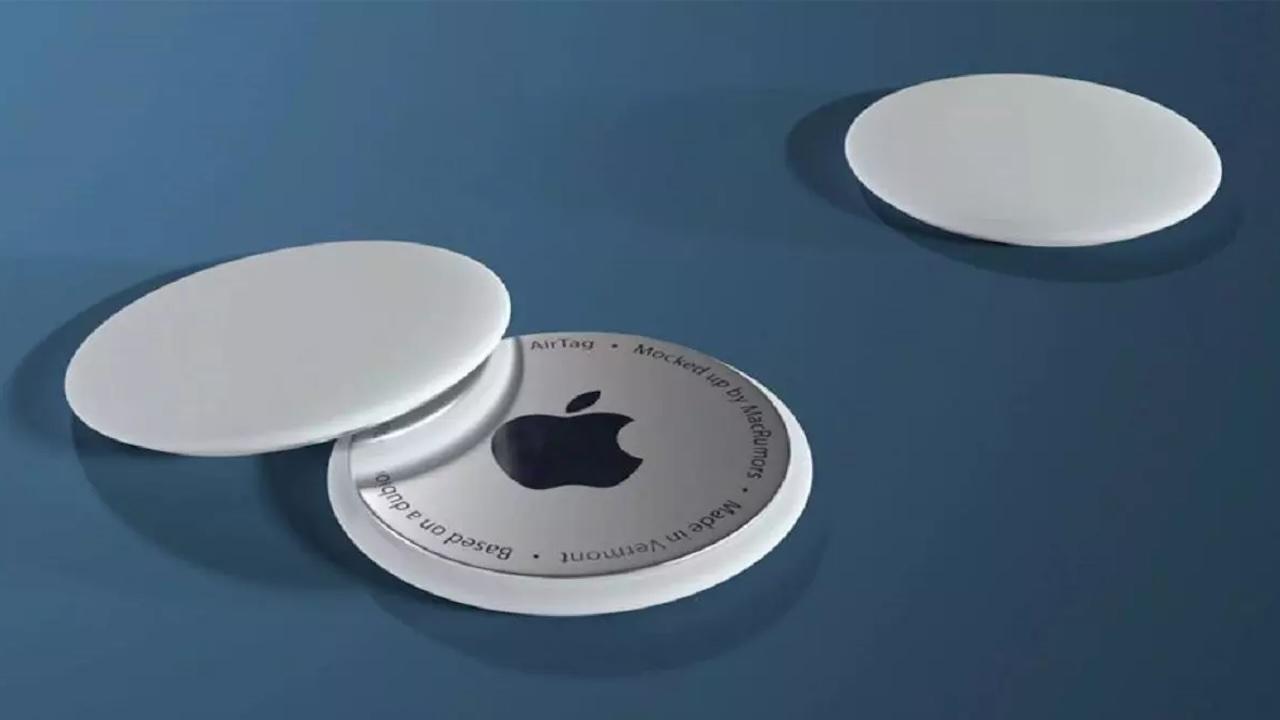
Although we can currently Add an AIRTAG to a flight luggageand track it on our own, to know its location, and know thus whether it has reached the destination correctly, or not, the thing will change and it will become much easier for everyone.
And it is that a series of airlines has pledged to use these devices, provided by travelers, to locate our luggage and make sure that all suitcases reach their corresponding place, something similar to what we do when we have landed, but with the difference that they can do something, and we just look.
The aircraft companies will look at our AIRTAG
Apple has launched a function that allows Share the location of an AIRTAG temporarily Through a link. This is useful if you lose your luggage when you fly, since you can generate that link from the search app on your iPhone and send it to the airline. Thus, the staff can directly see the real -time location of the Airtag that you have inside the suitcase and help you recover it faster.
This greatly improves the customer service process when there are problems with luggage, since the airline does not have to depend only on its internal tracking system. In addition, privacy is cared for, the link only lasts 7 days or is automatically deactivated as soon as you recover the object, so do not worry, that they will not follow you to your hotel.
The last to join has been Saudiathe national airline of Saudi Arabia, completing the list that would be like this:
- Chest
- Aer lingus
- Air Canada
- Air France
- Air India
- Air New Zealand
- American Airlines
- Austrian Airlines
- Breeze Airways
- British Airways
- Brussels Airlines
- Cathay Pacific
- China Airlines
- Delta Air Lines
- Eurowings
- Finnair
- Iberia
- Jetblue
- KLM Royal Dutch Airlines
- Lufthansa
- Porter Airlines
- Qantas
- Saudia
- Singapore Airlines
- Sunexpress
- Swiss
- Turkish Airlines
- United
- Virgin Atlantic
- Vueling
Among them we can see Iberia or Vueling, two of which we use in Spain very regularly, so it will not be something only in the United States, as usually happens with this type of novelties and services. We hope that others, such as Ryanair, are added soon, and that is not only improving customer service, but, for them, it is also a way to reduce the work of their employees and give a good image.
How to use step by step
- Install iOS 18.2, Ipados 18.2 or macOS 15.2 (or higher).
- Open the app Find my and select the AIRTAG on the Items tab.
- Click “Share item location” To create a temporary link.
- Copy that link and take it in the claim form of your airline.
- The link is deactivated only when recovering the luggage or after 7 days.
Anyway, we recommend talking to our company (if it appears on the list), and that it tells us how we prefer to do it, although with that link, the person who receives the mail, can now open it and see where is the suitcase, so its location should be almost instantaneous.