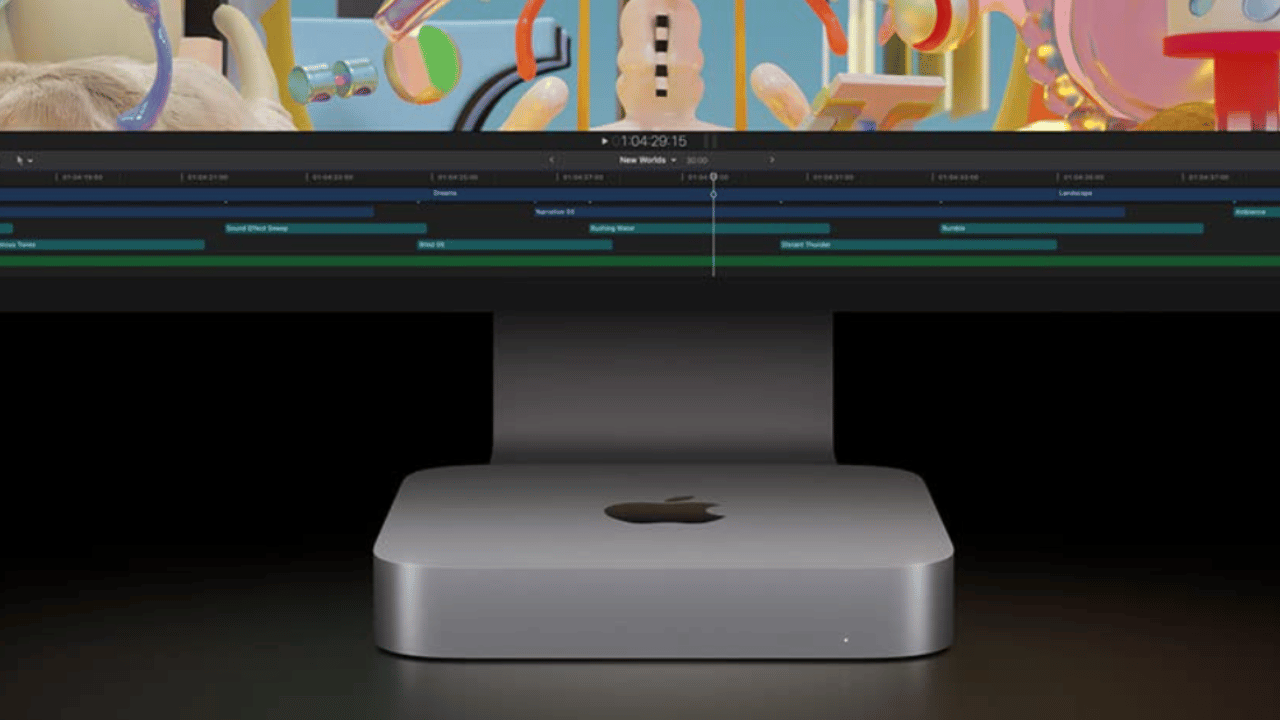
Apple has taken opposite paths with the storage of its two desktop computers. While the mac studio still allows changing the SSD module in the most powerful configurations, the new mac mini It solders the storage back to the logic board, a decision that closes the door to future expansions and goes in the exact opposite direction of what Apple itself did with the previous generation.
And just a couple of years ago Apple surprised everyone by allowing, for the first time, the SSD to be removed from both the Mac mini and the Mac Studio. He M4 Mac mini came with a slot storage module, something the Mac Studio also had with M1 and M2. Apple never recommended that the user put their hand in there, but at least it was no longer impossible, and there were companies that took a lot of advantage of that free slot. with the new M5 Pro and M6 of the Mac mini, that door closes again.
The Mac mini loses the SSD slot it had with the M4 chip
The official Mac mini repair documentation published by Apple, for now, only includes a technical specifications sheet. There is not a single line on how to replace the storage, which is already a pretty clear clue as to where the shots are going.
The confirmation comes from a company specialized in expanding the storage of this type of equipment, which has verified that the new Mac mini no longer supports any SSD upgrade. This affects both the model with chip M5 Pro like the one who rides M6: in both cases, the storage NAND It is once again soldered to the logic board, as was the case before the arrival of models with a removable slot.
The change is striking because Apple charges a notable extra cost for each jump in storage capacity in its configurations. With soldering back, anyone who buys a Mac mini with little capacity will no longer be able to expand it later, not even risking the warranty as was possible with the previous model equipped with the chip. M4.
Mac Studio with M5 Max and M5 Ultra still allows you to change the module
The good news, if you are looking for a slightly more flexible device, is in the Mac Studio. The repair documentation published by Apple for models with M5Max and M5 Ultra confirms that the SSD can be replaced, although the stated objective is repair, not for you to install a cheaper module yourself to save Apple's extra cost for storage.
Apple's own text warns that “SSD modules are specific to each Mac model” and asks you to make sure you use the one that corresponds exactly to your computer. Mac Studio can take up to two modules depending on the chosen configuration, and they are not interchangeable with each other: each one has a serial number that ends differently depending on the logic board connector for which it is intended.
This possibility is not new in the Studio line: it was already present in the models with the M1 and M2 chip, so Apple maintains the same criteria in two consecutive generations while changing course in the Mac mini.
Why doesn't any SSD work even if you have a free slot?
Here comes the important nuance, and that is why it is not advisable to jump in without thinking: although the Mac Studio module physically resembles a standard PC SSD, it is not. Apple integrates the controller within the chip itself Apple Silicon instead of putting it in the module, so you can't buy a M.2 any and install it hoping that it just works.
Before these slots existed, some users went so far as to do extremely delicate soldering to expand storage on their own. With the arrival of slots, companies emerged that offered solutions that were quite close to plug and play, although not as simple as they seem: to complete the installation you need to access another Mac that runs the configuration process. And of course, opening the Mac Studio case voids the warranty instantly.
Mac Studio Swappable SSD FAQ No. The NAND storage is once again soldered to the logic board, something confirmed by a company specialized in expanding the storage of these devices.
Yes, in models with the M5 Max and M5 Ultra chip, according to the repair documentation published by Apple, although the modules are specific to each model and have a serial number.
Not directly, because Apple integrates the SSD controller inside the Apple Silicon chip instead of placing it in the module itself.
Yes, as explained in the repair documentation, opening the Mac Studio case voids the official Apple warranty.
Can the SSD of the new Mac mini be expanded with M5 Pro or M6?
Does Mac Studio allow you to change the SSD module?
Can I install a standard M.2 SSD in Mac Studio?
Does opening Mac Studio to change the SSD void the warranty?