
I've been using a Galaxy A54 As a personal device for almost two years, and until now I had not encountered the dreaded notification of “Moisture has been detected in the USB port ”. But finally I had to live in my own flesh what many users describe as a true discomfort.
I had already read and heard about several problems related to this sensor on Samsung devices. In some cases, the alert It is activated And it does not disappearwhich can be desperate. Although before this was quite common, I must say that, in my experience, the sensor worked properly.
What to do if moisture notification appears in your Samsung?
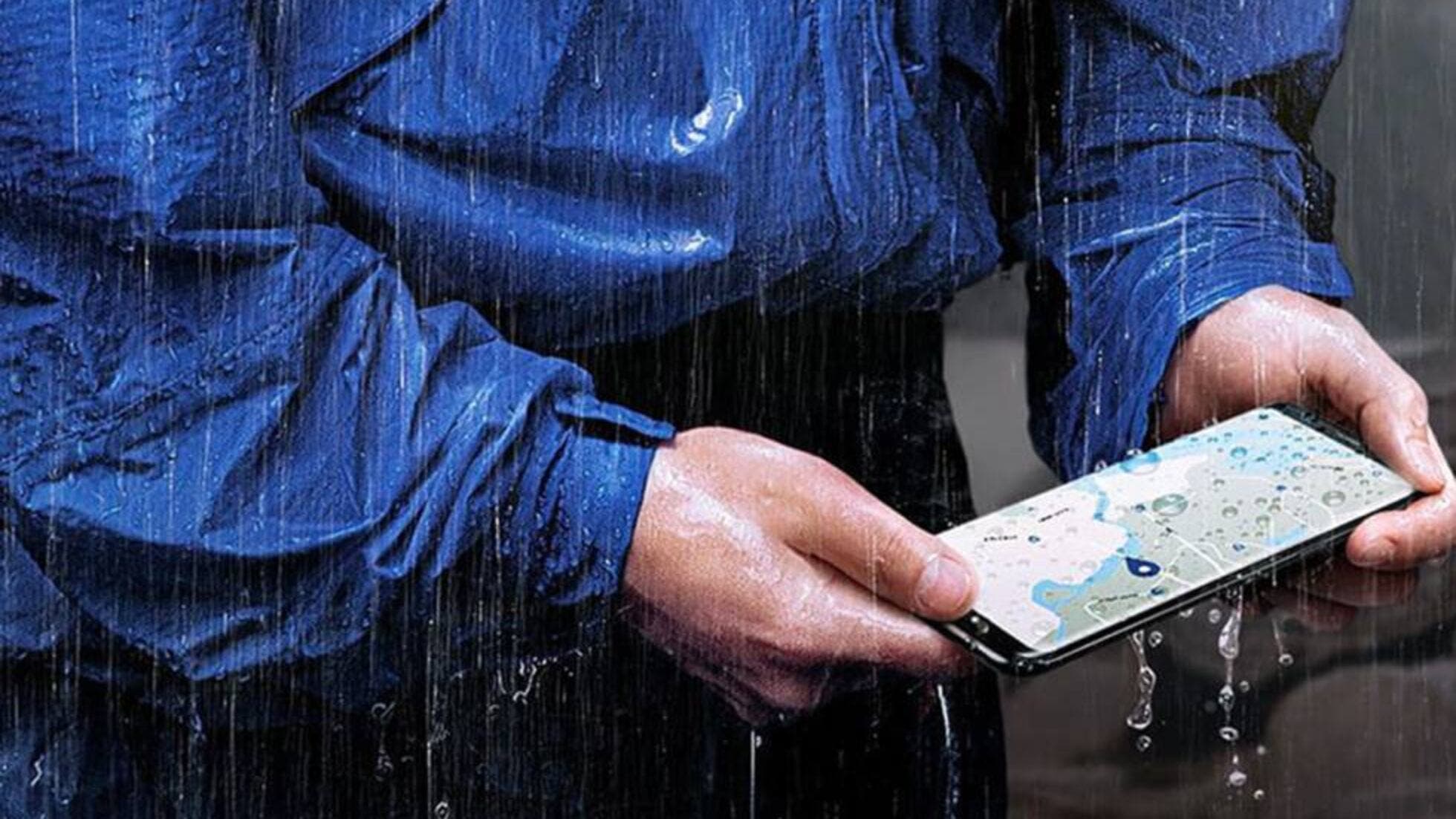
As many of them know, the Galaxy A54 has water resistance certification, but I must admit that I have never submerged it. So what happened? It turns out that I was away from home when it began to rain. I believed that my mobile was except in the pocketbut when I arrived, I met the humidity detection alert. Apparently, small drops managed to enter the USB port.
At that time, I started looking for solutions immediately. The first thing recommended is Turn off the device To avoid any internal damage. Then, it is important to carefully dry the port with a soft cloth, trying to accelerate the process safely. Some users advise placing the mobile in front of a fan or using a hair dryerbut only with cold air. Never use hot air! You could damage sensitive components of the terminal.
In my case, I decided to let it stand for a few hours, taking all possible precautions not to risk. After that time, I turned on the device, And the notification disappeared. A very important last advice: Do not connect the charger until it is completely sure that the port is dry and moisture free. You could cause a short circuit or damage the load system.
I hope my experience can serve more than one who faces this situation. And if you found it useful, do not hesitate to Share this story. You never know who could help.