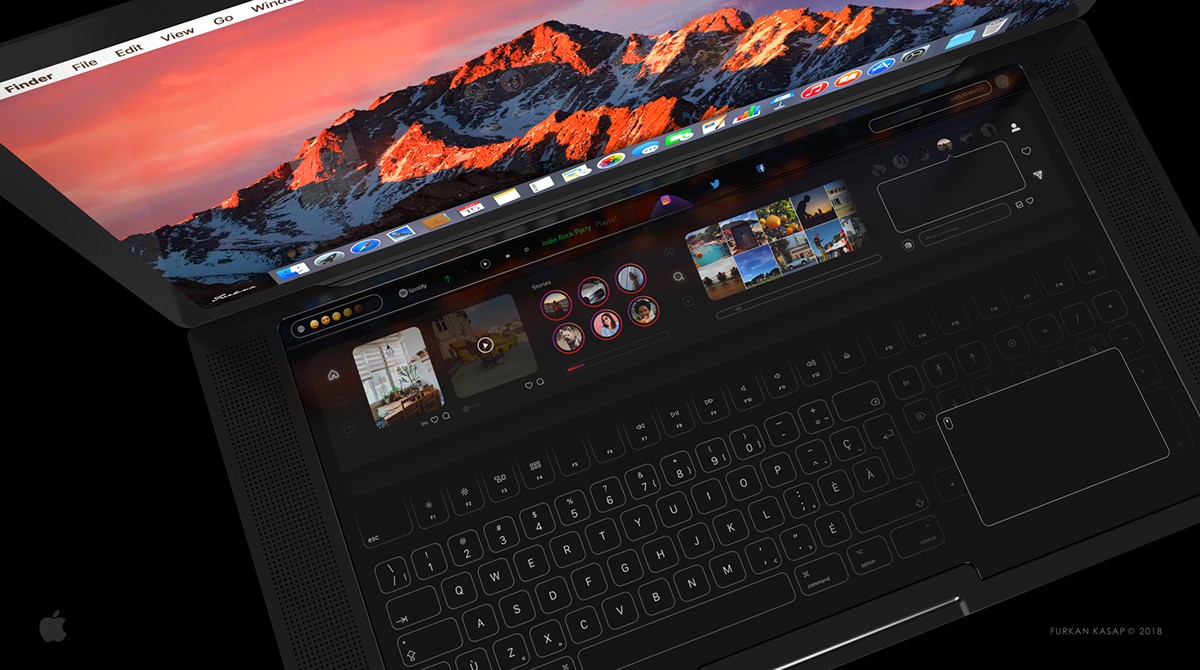
Surely you have many times thought how comfortable it would be if the Mac had a touch screenlooking more like an iPad. However, that is something that, at least for now, Apple has not decided to create, and there are rumors that would give us one in a short time.
Despite this, there are ways to convert any type of computer, not just a Mac, in a fully touch devicewithout having to use the mouse, trackpad, or even keys. It's something super simple that will even work for consoles, and we have many types to choose from.
Use Mac on touch screen
The method is as simple as purchasing a touch monitor, it may seem obvious, but many people do not know that this type of monitor exists and that it can be used on any computer, so a Mac is also one of them.
There are thousands of options, some more interesting than others, although what we will have is a second screen, not only that it provides us with the use of touch, but also as a external monitor for a console, TV Box, or to be able to have a Mac with double the open advantages.
Furthermore, the good thing about this type of equipment is that they have currently reduced their price a lot, and it will barely cost us the same as any other type of monitor, although it is true that touch screens, as a general rule, tend to invest more in that technology, and the screen does not usually have a quality as good as the one we find in a retina Mac, although obviously we have already paid for this previously, and it is not as cheap as the ones we will see today.
Among the options that we will see on Amazon, this is one of the ones that we like the most in terms of quality and price, although this will depend a lot on its size, since we have from 13-15 inches, which would correspond to the size of the original Mac, up to 24 or more, already being mini televisions.
We can directly connect our Mac or any other device via HDMI portand its resolution is Full HD (1080p), which is not bad at all for its price.
Within the product itself we usually have extra coupons that can give us up to another 35 euros discount, which would make this product one of the best in terms of quality and price, although it will depend on when you read this, the options there may be.
In summary, today we only bring you the idea of an external touch monitor, not considered by much and that will allow you to operate the Mac with your fingers, duplicating the screen or simply using it as a secondary one, which would give you greater utility. You will no longer need to use your iPad as a second screen.
These screens have their own power connector, so they won't consume the Mac's battery, although sometimes it would even be a good way to carry everything portable, although we believe that if you use a double monitor, it won't be in the middle of the beach, will it? Leave us a comment with your opinion about this product, and if you knew about it.