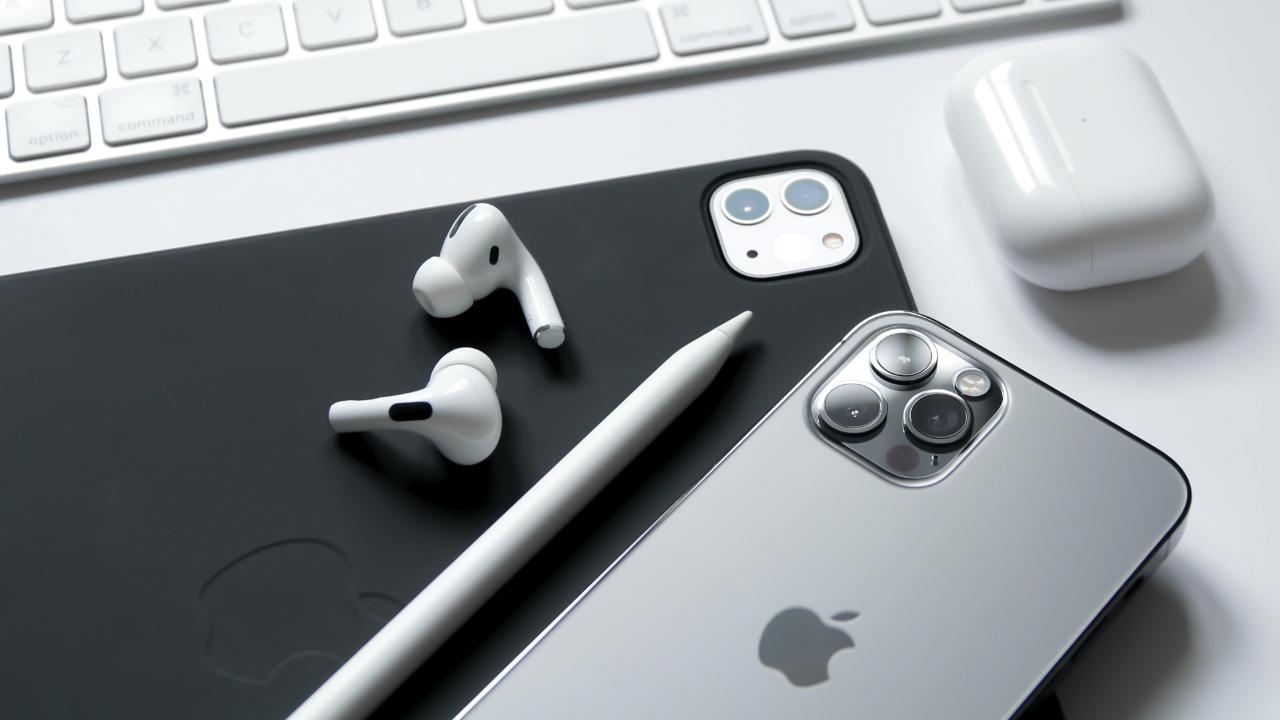
The iPhone hides among its adjustments some functions that not everyone knows, but that can make a big difference in everyday life. One of them is the possibility of using the rear camera LED flash as Notification indicator.
Yes, the same flash that is activated to take photos You can also flash when you receive a message, a call or an important alert. And even if not, it is really useful in certain situations.
How to configure flash notifications on iPhone
Acting this feature is very simple, but Apple has it a bit hidden, probably because it developed as an accessibility function designed for people with auditory problems. However, any user can take advantage of it. To activate it, just go to adjustments> accessibility> audio and visual effects> Intermittent LED notices (below at all), and activate the option. If you want you to only activate when the iPhone is silent, you can also mark the “flashing with the activated silence”. From that moment on, every time you receive a notification, the rear flash will flash intermittently.
And why is this useful in full 2025, when we have been receiving notifications for more than a decade? Precisely because of that. In a world saturated with stimuli, many users have chosen to reduce the use of sounds and vibrations to have greater control of their attention. But silencing the iPhone can make you miss important calls or urgent messages. Flash, on the other hand, is a visual alert that does not interrupt anyonedoes not make noise and is effective even in noisy environments.
There is also a second scenario in which this function is useful and that is when you have the iPhone upside down or do not wear it. For example, if you are waiting for a message while you work in the MAC, a flash flash can alert you No need to look at the screen. It can even serve as help in the dark, if you sleep with the iPhone nearby and you have activated notifications only of certain contacts or important apps.
It is true that it is not a revolutionary function, but it is a good example of how Apple takes care of the small details. Many Android users already had similar functions years ago, but in the Apple ecosystem it is not so common to see these more visual options, and that is why it can go unnoticed. The interesting thing is that Apple does not present it as a star function, but leaves it to the user who wants to explore and customize their experience.

Of course, you have to take into account a couple of things. The first, that the flash can exhaust the battery more If it is active very frequently, although the impact is very low. And the second, that if you are one of those left by the iPhone on a dark room, it can be a bit annoying to start flashing in the middle of the night. But beyond that, it is a simple and effective tool that improves the daily use of the device, especially if you know when and how to use it.
In short, it is one of those little iPhone tricks that not everyone knows, but that can make a big difference if you know how to take advantage of it. One more option that demonstrates that the iPhone is much smarter than it seems.