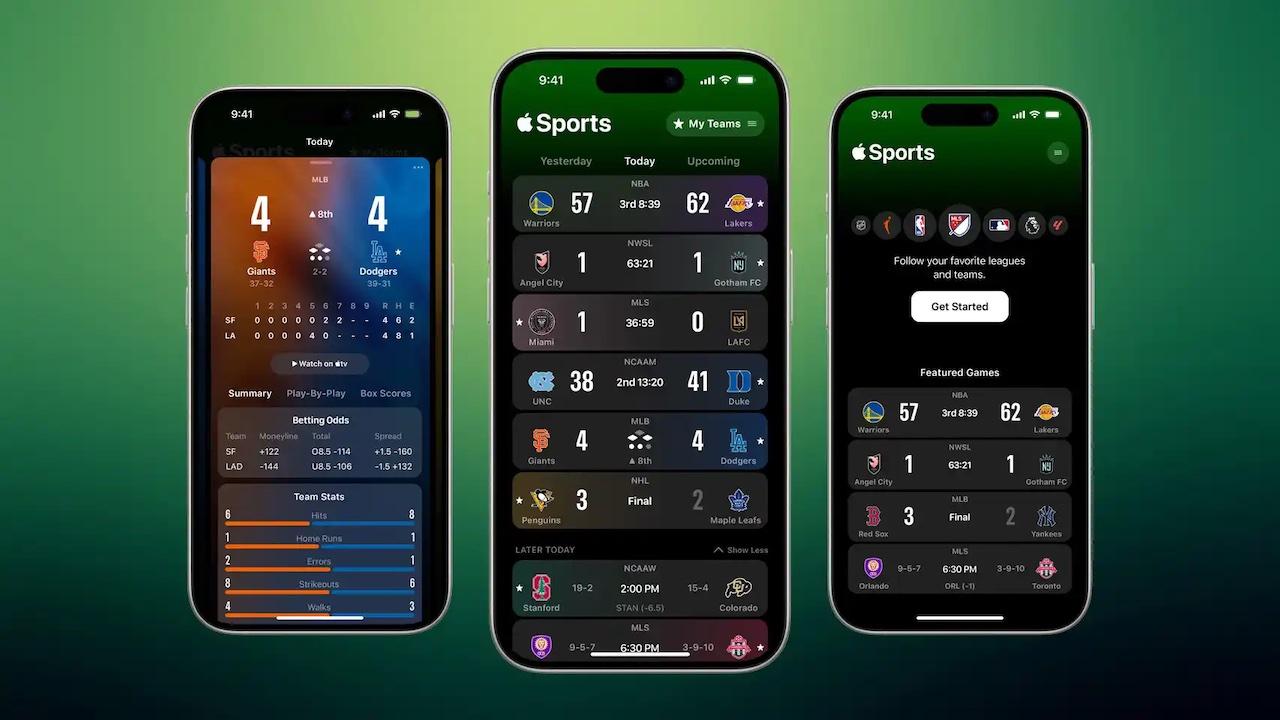
After the arrival of the versions «26»Of the different operating systems, we have seen not only a change in the design of our teams, but also in the incorporation of new apps, functions and tools Very useful for these, such as the one we present today.
And as we use these versions more, we are seeing small details that, at the time, Apple did not indicate as a novelty, but that are very interesting, and that it is well to know, at least to be able to enjoy our mobiles, watches, tablets, etc. to enjoy the fullest of our mobiles, watches, etc.
Why my Apple Watch does not load fast
It is possible that, at some point, you have asked yourself this question, and sometimes our Apple Watch do not load at the speed that Apple suggests, and is something frustrating, since, unlike an iPhone, We cannot use it while loadingso we have it unusable, and is not taking health data, for example, as well as we cannot use a PowerBank to load it out of home, and you have to go out with the right percentage.
This may be due to several causes, but the main one is due to the use of A charger that does not offer adequate powerwhich does not have to be from the cable, since we are possibly using the original, and therefore we do not consider this option, but that the head we are using, could have a low power.
Similarly, the wireless bases, which offer us many pages, and that are very interesting to the naked eye, including a form of load for Apple Watch, they could also offer less than we need, especially if we put the iPhone and the clock at the base at the same time.
But how do we know if the problem comes from there and is not solved? Well then, With Watchos 26, Apple Watch himself will be the one who will indicate this to us. If your Apple Watch detects that the load could be faster, it will show the notice “Slow charger” In the section Battery of the adjustments.
In that section, slow loads appear in orange, while the rapids are shown in green. Apple clarifies that this notice does not mean that the charger is spoiled, but that with one more powerful the clock could be charged before.
Recommendation: To take advantage of fast charge, use a charger USB-C with Power Delivery along with him USB-C magnetic cable that comes with the Apple Watch.
And to you, how long does Apple Watch take you? Many people believe that it takes normal, because they have never used a fast charger, and realize, when they try it, that they have been wasting time for many years, so we recommend you verify this, and acquire one if you still do not have it, either for the Apple Watch, as for other devices such as the iPhone. Leave us a comment with your opinion about it, and the time it takes for your clock to complete a load, so that the rest can value whether it is normal, or not.