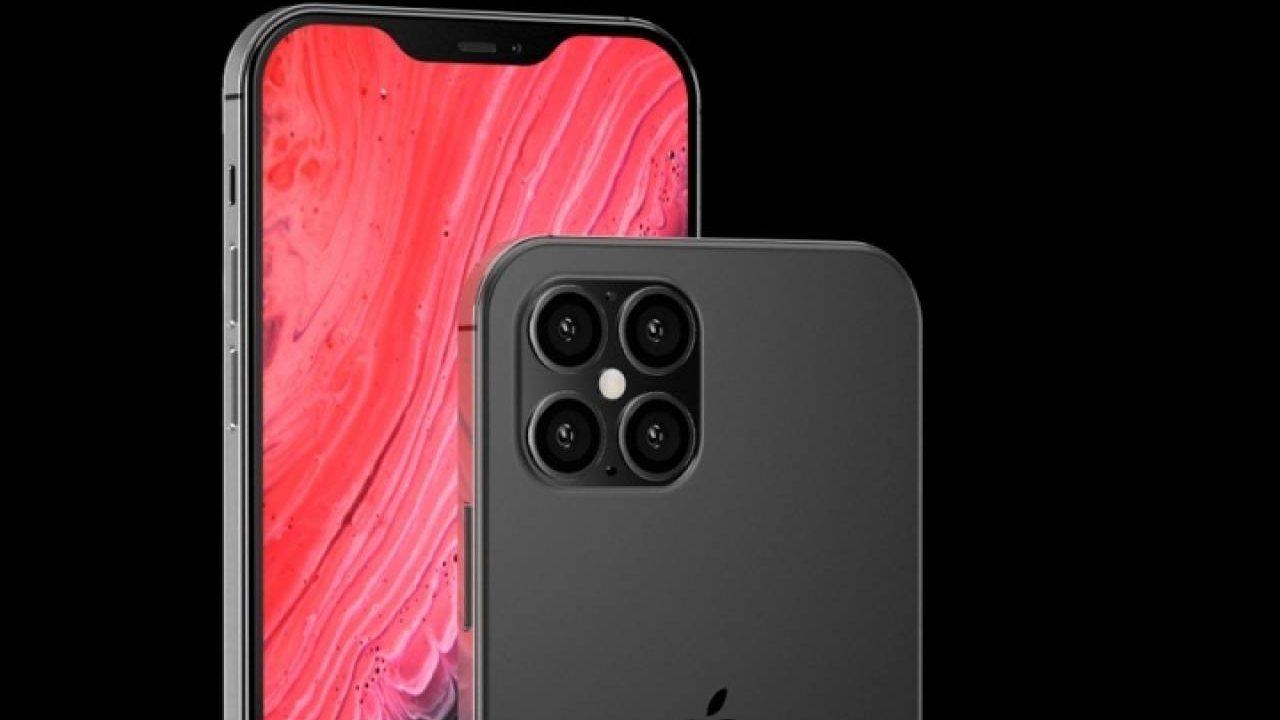
iPhones have many sensors and components, capable of telling you what you measure (thanks to the LiDAR scanner of the Pro versions), to counting the floors you climb in a building or showing you your location on the map. All this without the need for the internet, just with the tools of the phone itself.
However, they are quite well known, but did you know that they also shows you where you are and the altitude you are at? It makes sense, since the GPS works without internet, but it will not only use this sensor, but also others, such as the pressure sensor to know your exact altitude, since in the same building the 1st floor will not be the same as the 40th, and yet, on the map they would appear the same.
How to know what altitude I am at with the iPhone
Discovering this is very simple, and you will not need to download any application, since the tool that does this is integrated into iOS itself, so, unless you have deleted it, you should have it and be able to use it.
It is nothing more and nothing less than the Compass. Yes, an app that we never use because it makes no sense to find our way with it, since we have the Maps where it also tells us. However, when you enter this application, it will not only mark the degrees north, south, etc., but also the place where we are (name of city, port, town, etc.) and a reference that indicates the meters of altitude at which we are.

I have had the opportunity to test it on different occasions, and the truth is that I have been surprised by its accuracy. It is not the most interesting tool in the world, but if at some point you want to know how high are yousomething that usually happens when you are at a lot of distance, and the coverage is usually poor, a good way to find out without having to search for anything is thanks to the Compass.
This will also tell you your coordinates, which are sent to emergency services when your iPhone or Apple Watch detects an accident or fall (as long as your device has the tool). However, if you want to say them yourself, and you don't know exactly where you are, it is a good way to be located, without the need for internet, as we said, or mobile coverage.

If you do not have the app, because you have deleted it or because you have activated the deletion of these if you do not use them, you can download it again from the App Store, since it will also be available there.
And you, did you know this application? Surely you have opened it at some point, even if it was just to see what it was about, and after playing around looking for the north for a bit, you would have realized that it is useless and you may have deleted it. However, today you have seen that it may have more functions than you thought, so we encourage you to download it again and give it a good try. Check your altitude, does it match what you really are?