Samsung has taken the step that many Galaxy device users were asking for: Samsung Internet comes to the PC with a beta for Windows. The browser, known on mobile phones for its focus on privacy and compatibility with extensions, debuts on the desktop with multi-device synchronizationfunctions of Galaxy AI and security tools that seek to stand up to Chrome and Edge. The idea is clear: if you use a Galaxy, you can continue on your computer exactly where you left off on your mobile.
Beyond the novelty, the strategy makes sense within the Galaxy ecosystem. Bookmarks, history, Samsung Pass passwords, and open tabs They can be taken from the mobile phone to the PC, and vice versa, to continue reading or complete purchases without having to copy links. Added to this are summaries and automatic page translation through Galaxy AI, a secret incognito mode, blocking trackers and a privacy panel similar to the Android version. It's not just another browser: Samsung is looking to bring the Galaxy experience to the desktop as well.
What Samsung Internet offers for PC
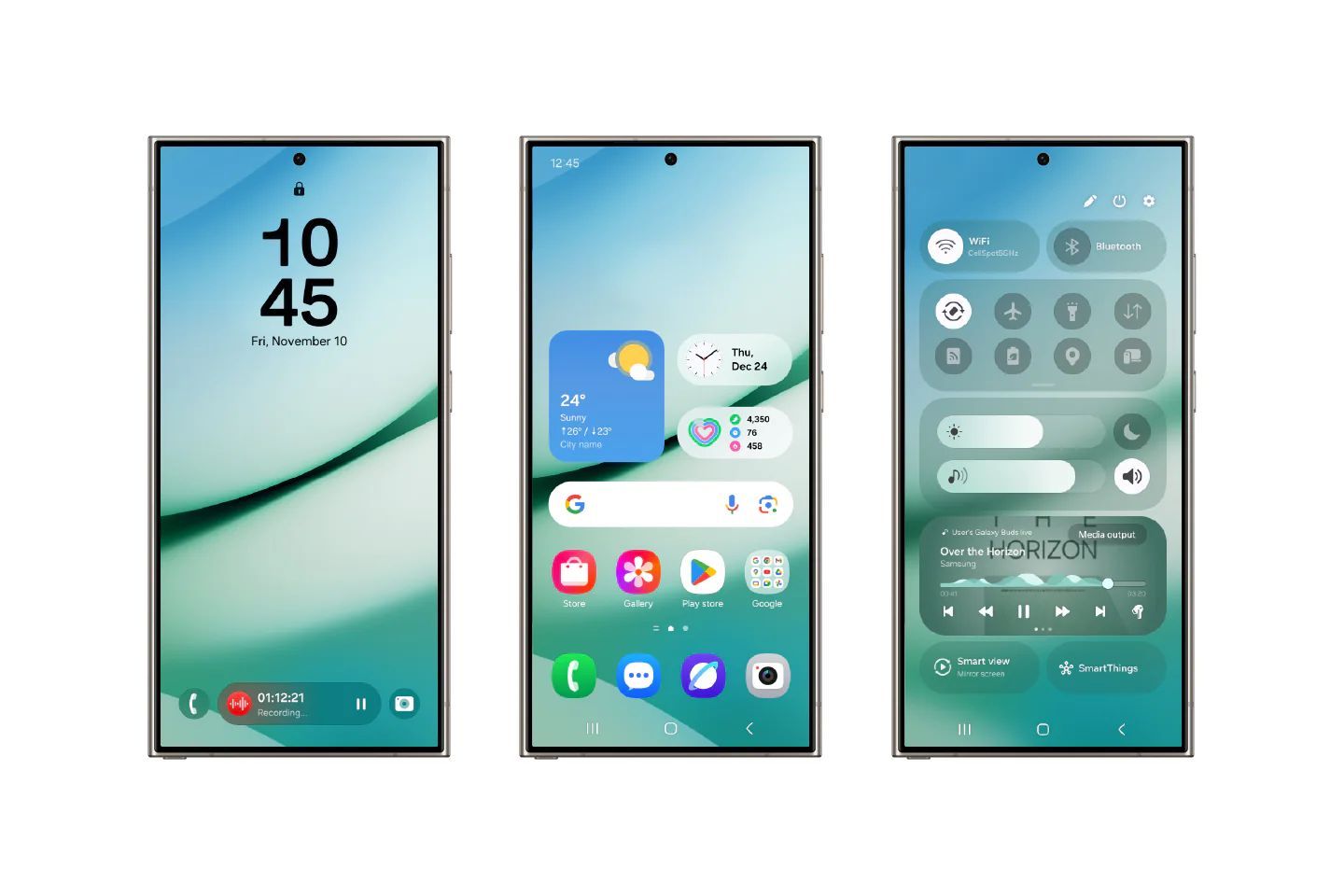
The beta arrives with a One UI style interface and an adaptive dark mode, support for chrome extensions and practical details such as split view to manage two websites at the same time. The main attraction is continuity: when you log in with your Samsung account, real-time synchronization is activated, allowing you to pick up on your PC exactly where you left off on your mobile, including autocomplete and recent page sharing. Galaxy AI add functions like article summaries, translation and contextual searchrelying on hybrid processing – local and in the cloud – protected by Samsung Knox.
In security and privacy, the browser incorporates tracker blockingcontrols for cookies and a real-time privacy dashboard that shows what elements are trying to track you on each website. For those who already use Samsung Internet on Android, the jump to the desktop maintains the same philosophy: speed, privacy and clear controlswithout giving up popular extensions.
Availability and requirements: currently in beta
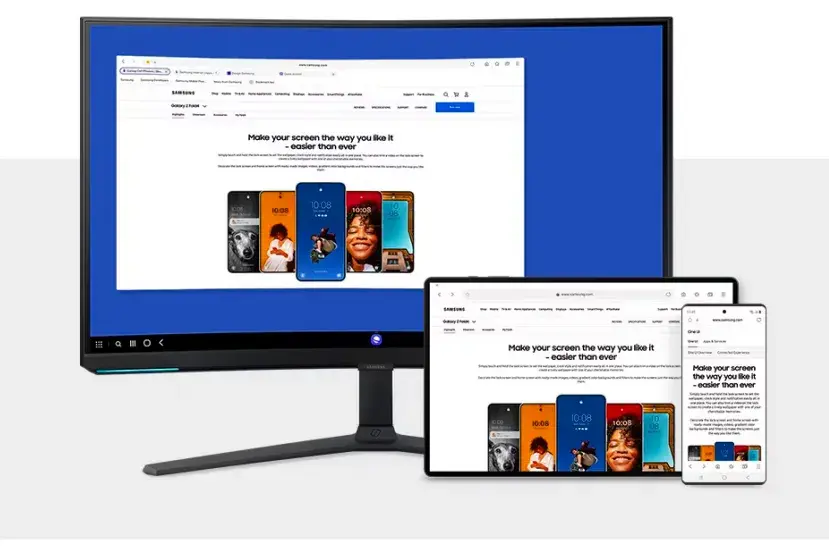
The Samsung Internet beta for PC is available from today, October 30 in United States and Koreawith expansion to more countries in the coming weeks. To install it you need Windows 11 either Windows 10 (version 1809 or higher). The company indicates compatibility with x86 and ARM processorsincluding laptops Galaxy Bookand registration is done through Samsung's beta program. It is a free version that will incorporate new features as testing progresses.
Does it make sense against Chrome and Edge?
The question is logical: with Chrome and Edge dominating, why change? If you live in Galaxy ecosystemsynchronization with mobile and Galaxy AI tools can mark the difference, especially if you already use Samsung Pass and Samsung Internet on Android. For the rest, interest will depend on whether these functions—summarization, translation, and enhanced privacy— contribute more than the alternatives. In any case, it's good news for Android: more options and better integration between mobile and PC. Likewise, with this decision the Korean company knows very well the potential in this area, considering that OpenAI has already launched Atlaswith an innovative proposal. This movement shows that Samsung does not plan to sit idly by. Are you going to try it on your Windows? We read you in the comments.